

The way we work has changed. As remote work becomes the norm, being able to collaborate effectively with colleagues scattered across different cities—or even continents—isn’t just a bonus; it’s essential. Thankfully, technology has delivered a fantastic suite of apps that help distributed teams stay connected, productive, and creative.
Whether you’re organizing a small project or running a global company, the right set of collaboration tools can make all the difference. Here’s a breakdown of 10 must-have apps for modern remote teams:
1. Slack
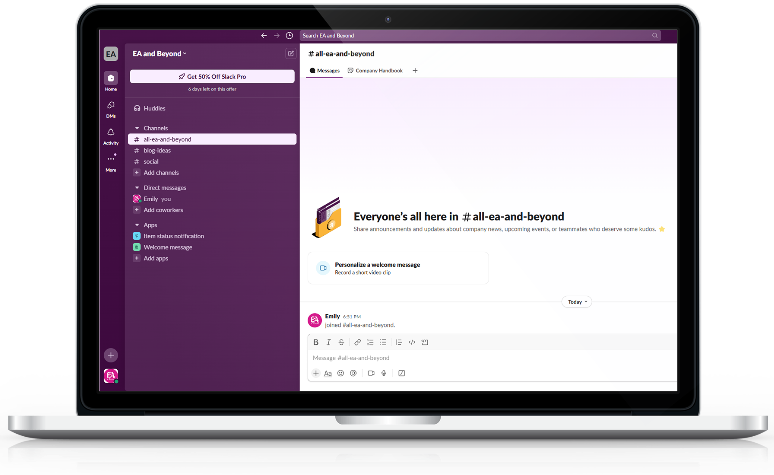
Slack is more than just a chat app; it’s a central hub that has transformed team communication. It helps you skip those endless email chains and makes real-time discussions dynamic and searchable. It’s the go-to team messaging app for keeping the conversation flowing.
Key Features:
- Real-time messaging in direct and group chats.
- Organized channels for specific projects or topics.
- Over 2,000 integrations (Google Drive, Zoom, etc.).
- Built-in search for finding old messages and files fast.
- Easy audio and video calls.
My Take: Slack is incredibly powerful for remote productivity, especially for quick, real-time needs. But a word of caution: if you don’t set clear guidelines for when and how to use it, the constant notifications can quickly become overwhelming. Use the “Do Not Disturb” feature and structure your channels wisely to maintain focus.
2. Microsoft Teams
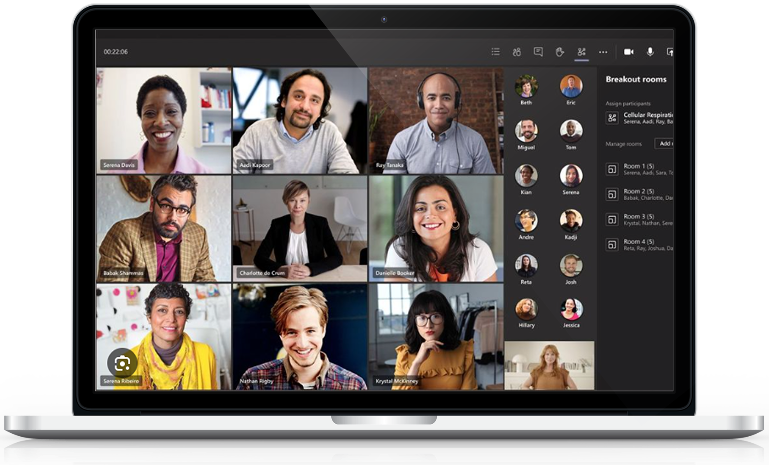
Microsoft Teams Teams is a top-tier remote work platform, particularly if your organization already uses Microsoft Office. It combines messaging, video conferencing, and file sharing into one secure, comprehensive system. For companies already on Microsoft 365, this is a seamless fit for business collaboration.
Key Features:
- Customizable workspaces.
- Deep integration with Office 365 (Word, Excel, etc.).
- Secure group chats and video meetings.
- Shared document editing with version control.
- AI-powered meeting transcription.
My Take: Teams is a robust solution for larger organizations needing a comprehensive, secure communication tool. The learning curve is a little steeper than others, but if you rely heavily on Microsoft products, the all-in-one nature and deep integration make it hard to beat.
3. Zoom
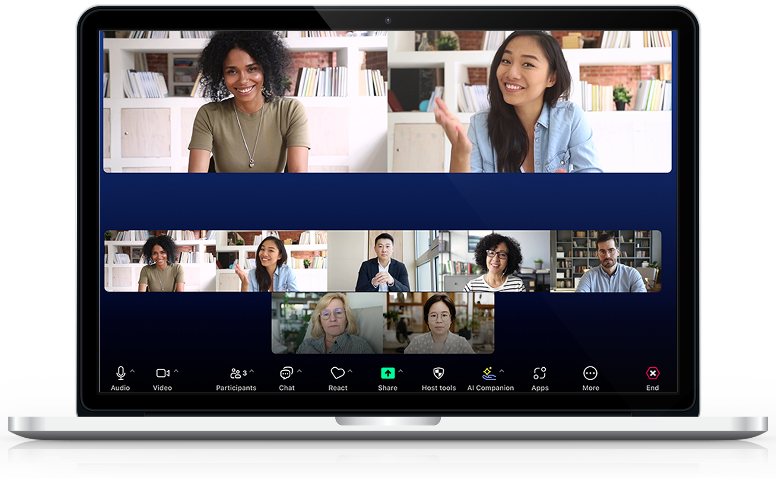
Zoom is the gold standard for remote meetings. It offers reliable, high-quality video and a user-friendly interface that scales perfectly from a quick one-on-one to a large webinar. It’s the best video conferencing tool out there, though remember it focuses purely on meetings, so you’ll need other apps for task management or file sharing.
Key Features:
- HD video conferencing for huge groups.
- Screen sharing and annotation.
- Breakout rooms for small-group discussions.
- Webinar features (Q&A, polls).
- Easy recording and transcription.
My Take: Zoom is essential for keeping remote employees connected face-to-face. Its excellence in meetings makes it worth using, but pair it with a tool like Slack or Asana to handle everything that happens before and after the call.
4. Trello
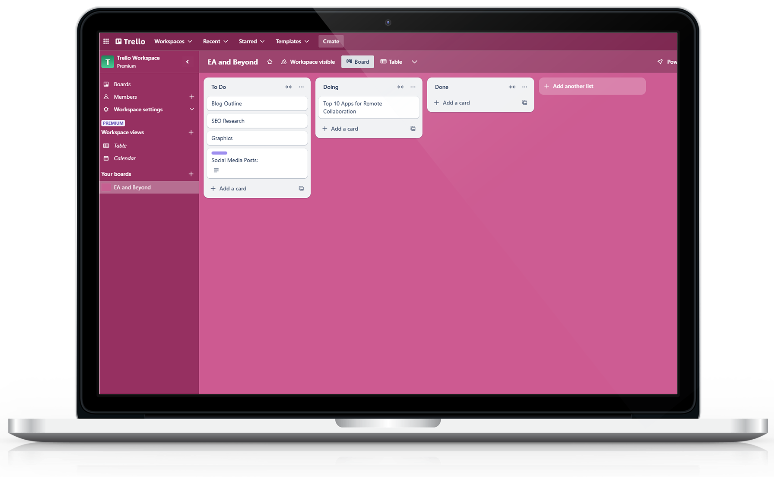
Trello is a fantastic visual project management tool. Its board-and-card system is simple, intuitive, and highly visual. It makes breaking down tasks, assigning deadlines, and tracking progress easy, making it perfect for remote team collaboration where clarity is key.
Key Features:
- Visual boards for tasks and projects.
- Simple drag-and-drop task management.
- Customizable cards with due dates and attachments.
- Integrations (Power-ups) for other apps.
My Take: If your team prefers a simple, visual way to track tasks, Trello is a great starting point. Use its automation features (“Butler”) to handle repetitive steps and keep your workflows clean. It’s simple to use, but you may outgrow it if your projects become highly complex.
5. Asana
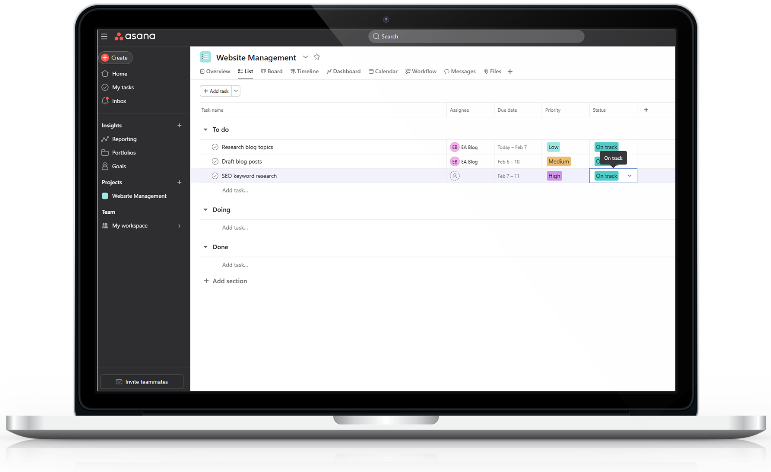
When you need more than just simple lists, Asana offers a powerful solution for detailed project planning and workflow management. Its timeline views, task dependencies, and workload features ensure complex projects stay on schedule and that no team member is overwhelmed.
Key Features:
- Task management with dependencies and due dates.
- Project timelines and calendar views.
- Workload feature to balance team assignments.
- Milestone tracking.
- Integration with other collaboration apps.
My Take: Asana is ideal for distributed teams that handle complex, multi-stage projects. It requires some time to set up properly, but the clarity and control you get from the timeline view are invaluable for hitting deadlines and ensuring everyone understands the big picture.
6. Google Workspace
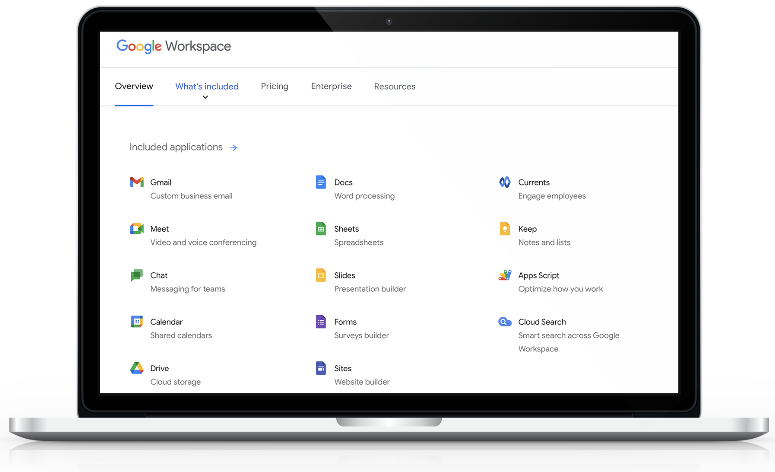
Google Workspace (Docs, Sheets, Drive) is the world’s favorite suite for real-time document collaboration. You can edit documents simultaneously without worrying about confusing version control. Its seamless integration with Gmail and Google Calendar makes it a must-have remote collaboration solution.
Key Features:
- Real-time editing in Docs, Sheets, and Slides.
- Cloud storage and file sharing via Google Drive.
- Integration with third-party apps and Gmail.
- Secure permissions and sharing controls.
- Video meetings via Google Meet.
My Take: Google Workspace is the foundational tool for sharing and creating content. It’s intuitive and great for collaboration, but remember it lacks robust task management. For that, you’ll want to pair it with Asana or Trello. Organize your Drive with clear “Shared Drives” to make sure everyone can find the latest files easily.
7. Notion
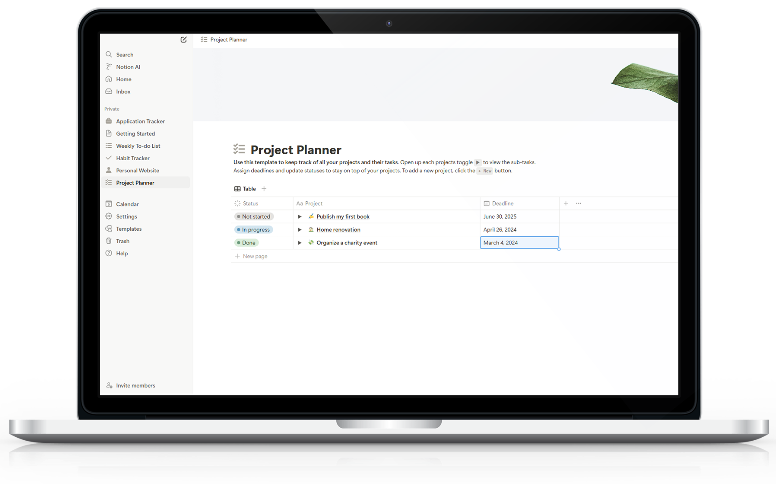
Notion is the ultimate all-in-one workspace. It lets you combine notes, wikis, task management, and databases into one interconnected system. Its flexibility allows remote teams to customize it to their exact needs, centralizing all project information and knowledge in a transparent way.
Key Features:
- Single workspace for notes, tasks, and wikis.
- Ability to create interconnected pages and databases.
- Templates for various types of projects.
- Real-time collaboration with comments and mentions.
My Take: Notion is the Swiss Army knife of remote teamwork. Its versatility is its greatest strength, letting you build almost anything you can imagine. It takes a little time to master, but its ability to centralize your knowledge base and workflows is fantastic for maintaining alignment across your distributed team.
8. Miro
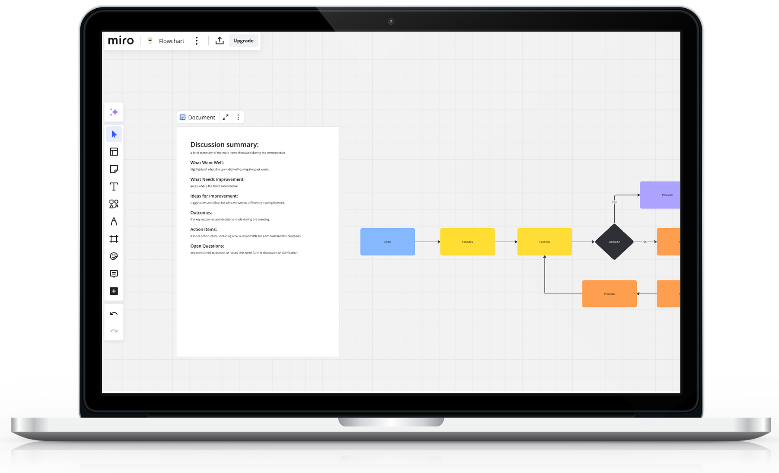
Miro is the best visual collaboration tool for teams that thrive on brainstorming and creative thinking. It offers an infinite digital whiteboard where geographically separated teams can work together in real-time using sticky notes, mind maps, and diagrams, just as if they were in the same room.
Key Features:
- Digital whiteboard for planning and ideation.
- Pre-built templates (mind mapping, SWOT).
- Real-time collaboration tools (sticky notes, shapes).
- Ability to embed documents and images.
- Integration with Zoom and Slack.
My Take: Miro is perfect for creative work, virtual workshops, and strategic planning. It makes remote brainstorming dynamic and fun. It’s too much for daily task tracking, though, so it’s best paired with a structured app like Trello or Asana for day-to-day project execution.
9. Monday.com
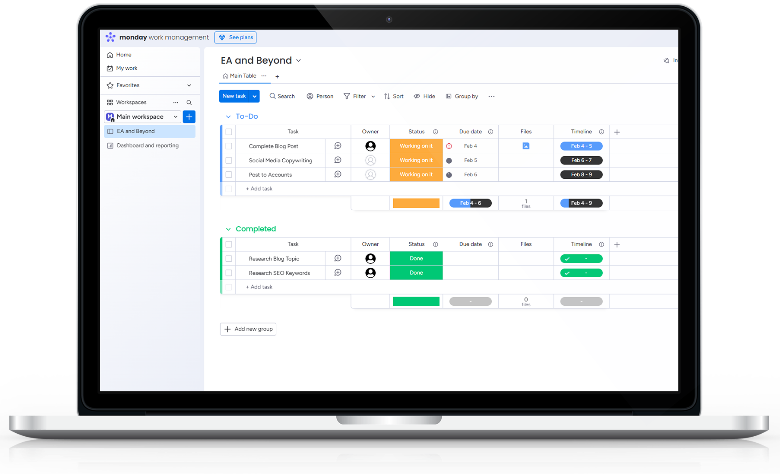
Monday.com is a highly customizable Work OS that centralizes tasks, communication, and workflow management. Its highly visual and color-coded layout makes tracking progress simple, and its robust automation capabilities streamline repetitive tasks.
Key Features:
- Customizable workflows and templates.
- Visual task tracking with color-coded boards.
- Automation to handle routine actions.
- Time tracking and reporting tools.
- Integration with over 40 apps.
My Take: Monday.com is an excellent, flexible solution for teams managing diverse and complex workflows. It’s slightly more complex than Trello, but its depth and power, especially in automation and providing high-level dashboards, are perfect for teams needing a truly adaptable remote collaboration platform.
10. Dropbox Paper
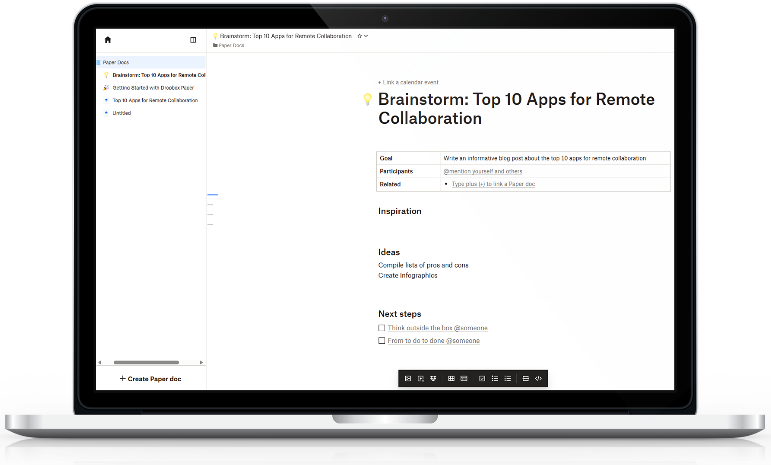
Dropbox Paper is a streamlined, collaborative document editor focused on simplicity. It provides a clean, distraction-free space for teams to brainstorm, write, and share content in real time. It’s an excellent tool for focused content creation and meeting notes.
Key Features:
- Collaborative document editing.
- Real-time comments and user mentions.
- Integration with Dropbox for file management.
- Simple task management within documents.
- Clean, minimalist interface.
My Take: Paper is ideal for teams that value simplicity and real-time co-authoring. Its clean interface keeps you focused on the content, which is great for creative ideation. However, it’s not a full project management system, so use it alongside a dedicated tool for detailed tracking.
Finding Your Perfect Remote Setup
The best tools for your team depend entirely on what you do most—be it heavy document work, complex project tracking, or constant communication. My advice is to identify your biggest pain point and start with the app that solves it best. Don’t be afraid to create a small ecosystem of tools that work together (like Slack for chat and Asana for tasks).
The right combination of remote collaboration software will help your team stay organized, connected, and productive, no matter where their desks are located.
You Might Also Enjoy:




 EA and Beyond
Leave a comment