

In the fast-paced world of executive support, a calendar isn’t just a place to jot down appointments; it’s the mission control for an Executive Assistant’s (EA) day. Juggling an executive’s demanding schedule, coordinating complex meetings, and managing time zones requires a powerful, intuitive tool. Google Calendar and Microsoft Outlook Calendar are the two titans in this space, each offering distinct advantages. The “better” choice truly hinges on your specific workflow, your company’s existing technology stack, and your personal preferences for schedule management.
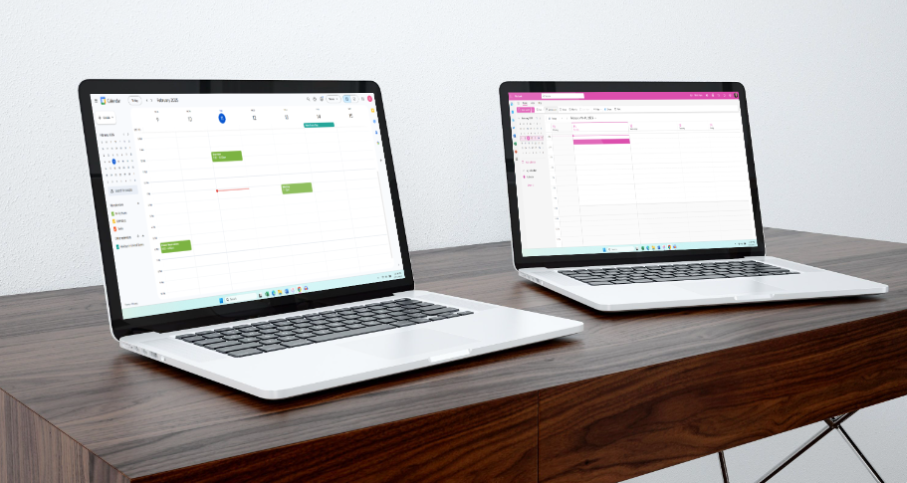
Google Calendar
Google Calendar is the go-to for many modern workplaces, celebrated for its clean, minimalist design and incredible ease of use. It’s the quintessential tool for an environment that prioritizes speed and seamless collaboration.
Key Benefits of Google Calendar:
- Ecosystem Harmony: If your organization lives in Google Workspace—relying on Gmail, Google Drive, and Google Meet—Calendar is a natural fit. Setting up a video conference or attaching a shared document takes just a few clicks within the event creation window.
- Intuitive Collaboration and Sharing: EAs spend a significant amount of time scheduling across teams. Google Calendar excels here, making it incredibly simple to share calendars with your executive and key stakeholders. The color-coded system is also a visual godsend, allowing you to instantly differentiate between internal meetings, personal time, and high-priority travel.
- Intelligent Scheduling: The “Find a Time” feature is robust and quick. It automatically checks the availability of all required attendees and suggested meeting rooms, cutting down on the tedious back-and-forth of finding a common slot.
- Ubiquitous Access: As a cloud-native application, your calendar is perfectly synced across devices—phone, tablet, or desktop—ensuring you can manage that urgent scheduling change whether you’re at your desk or on the go.
- Workflow Connectivity: Google Calendar has deep integration with popular project management and communication tools like Slack, Asana, and Zoom, helping to keep your entire EA productivity suite connected.
Potential Drawbacks of Google Calendar:
- Fewer Advanced Tools: While great for quick scheduling, some high-level functions that veteran EAs rely on—like detailed delegated permissions or complex resource management—can feel limited compared to Outlook.
Microsoft Outlook
Microsoft Outlook is far more than a calendar; it’s an all-in-one productivity hub that bundles email, contacts, tasks, and scheduling. It is the reigning champion in many large enterprises, particularly those with a significant investment in Microsoft 365.
Key Benefits of Microsoft Outlook:
- Advanced Scheduling Precision: Outlook’s scheduling assistant is arguably its most powerful feature for an EA. It provides a highly detailed, customizable view of attendee availability, room bookings, and even time zone differences, making complex corporate meeting coordination manageable.
- Unmatched Integration: The synergy with Microsoft Teams, OneNote, and Microsoft To Do is seamless. You can turn an email into a meeting, assign a follow-up task, or share meeting notes directly within the Outlook environment, optimizing the full executive task management process.
- Robust Offline Capabilities: For EAs who handle executives in areas with spotty internet or who prefer a dedicated desktop experience, Outlook’s desktop application is a major advantage. You maintain access to your calendar, emails, and contacts even when disconnected.
- Security and Control: For organizations that require strict governance, compliance, and enterprise-level security, Outlook offers more detailed permission settings and high-level data protection features that are critical for sensitive executive administration.
- Delegated Access Mastery: Outlook provides sophisticated tools for managing another person’s calendar, including intricate controls over what the delegate can see and modify, which is essential for any executive assistant managing a CEO’s time.
Potential Drawbacks of Microsoft Outlook:
- Steeper Learning Curve: With great power comes greater complexity. New users might find the interface dense and the myriad of features overwhelming initially.
- Best in its Own Lane: While it connects to many third-party apps, Outlook’s full potential is truly unlocked when the entire team is committed to the Microsoft ecosystem.
Which One Should You Choose?
The best calendar tool is the one that best supports your and your executive’s existing business workflow.
| Scenario | Recommended Tool | Why It Wins |
| Simplicity and Speed | Google Calendar | Your team uses Gmail; you prioritize a clean interface and fast, casual meeting coordination. Easy sharing is a must. |
| Corporate Depth | Microsoft Outlook | Your organization relies on Microsoft 365 and Teams; you need advanced scheduling, detailed delegate control, and robust security features. |
| The “Hybrid” EA | Both | If you have to juggle internal meetings (one system) and external meetings with vendors/clients (the other system), you might need to master both for optimal EA productivity. |
Ultimately, whether you’re clicking “Send” on a simple Google invite or fine-tuning a complex Outlook resource request, your ability to master the chosen platform’s features is what will truly elevate your game as an Executive Assistant.
You Might Also Enjoy:




 EA and Beyond
Leave a comment