

The role of the Executive Assistant (EA) and Administrative Professional is rapidly evolving. Gone are the days of manual, repetitive tasks consuming most of the workday. Today, the most successful admin professionals are leveraging Artificial Intelligence (AI) tools to streamline workflows, increase efficiency, and transition into more strategic, high-value partners for their executives.
If you’re ready to boost your productivity and future-proof your career, here are seven of the best AI tools for executive assistants and administrative support you need to adopt right now.
1. ChatGPT
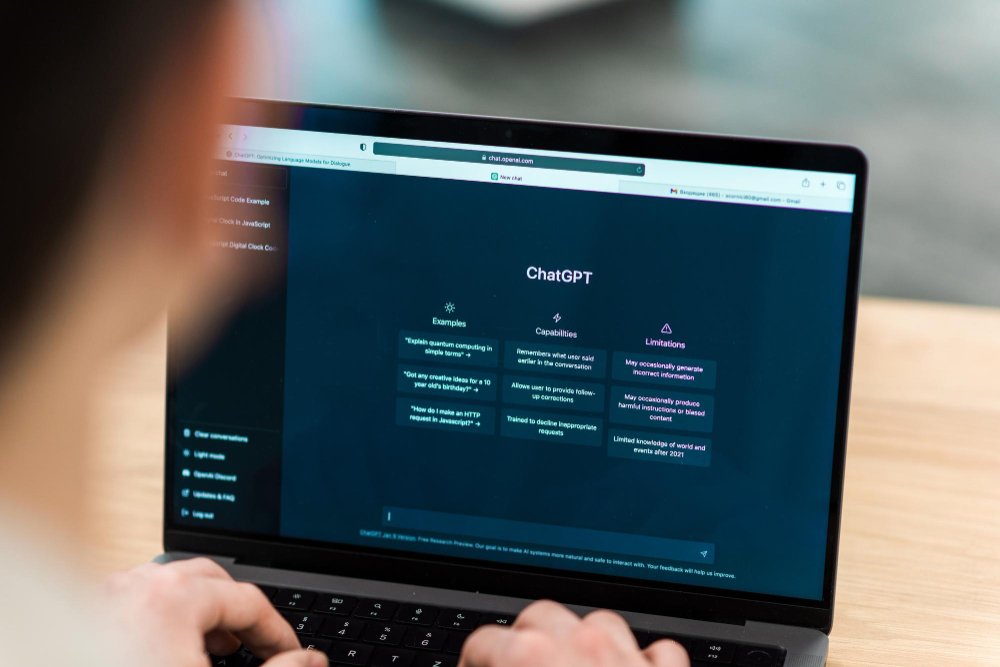
Let’s talk about Chat GPT. I’ve tested it, broken it, and used it at 6 a.m. before breakfast and at 11 p.m. before a board deck was due. Here’s the real talk: this Generative AI language model from OpenAI is an indispensable digital assistant that works incredibly fast, never sleeps, and doesn’t get tired of revising the same email five times.
At its core, ChatGPT is trained on massive amounts of text to produce human-like responses. It doesn’t “think” like a human, but it identifies patterns in language and context, acting as a phenomenal AI writing assistant.
You can use ChatGPT for:
- Drafting & Refining Communications: Instantly generate professional email drafts, internal memos, or executive talking points. It gives you a strong starting point so you’re not staring at a blinking cursor when time is tight.
- Research & Brainstorming: Get a head start on presentations, policy outlines, or complex travel itineraries. I’ve used it to outline steps for a new onboarding process or compare the pros and cons of different management tools—it helps you reason through options.
- Data Synthesis: Quickly condense long reports or email threads into concise, actionable summaries.
Caution for High-Stakes Work:
This is a big one: ChatGPT is not always accurate and lacks real-time context (unless you have a web-enabled version). Never enter confidential, proprietary, or private business data. Always fact-check for compliance or contracts; you still need to humanize everything it produces, because it lacks your executive’s preferences or common sense.
2. Fireflies.ai
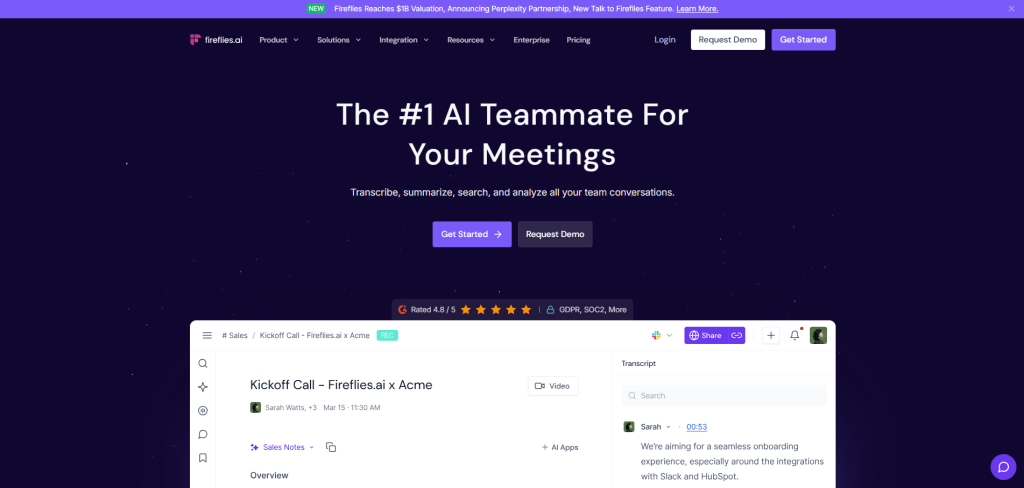
If you’ve ever found yourself frantically trying to take notes while tracking action items and watching your executive’s body language—welcome. Tools like Fireflies.ai take a serious load off your plate.
Fireflies.ai is an AI meeting assistant that automatically joins your virtual meetings (Zoom, Microsoft Teams, Google Meet, and others), records the conversation, transcribes it in real time, and uses AI to summarize key points, tasks, and decisions. You invite it just like any human participant.
Key Feature for Admins:
- Real-Time Transcription: It frees you up during fast-paced, dense meetings, allowing you to stay focused on the dynamics of the conversation while it handles the transcription.
- AI Summaries & Action Items: Excellent for follow-ups. You can search transcripts by keyword (like “budget” or “Q3 launch”) and even tag items for follow-up, making it easy to create project tickets without sifting through an hour-long recording.
- Supports Cross-Functional Work: Helps you capture aligned goals and timelines when working across multiple departments (product, marketing, HR). Everyone hears the same thing, and you have the receipts.
- System Integration: Works beautifully with platforms like Slack, Notion, and CRMs, helping you streamline notes directly into your team’s existing systems.
Confidentiality and Best Practice:
Not every meeting is appropriate for Fireflies. Always get consent when recording, and know your company’s privacy and compliance rules. And remember: Transcriptions aren’t always perfect due to accents or crosstalk, so you’ll still need to skim or lightly edit summaries before sharing them.
3. Grammarly
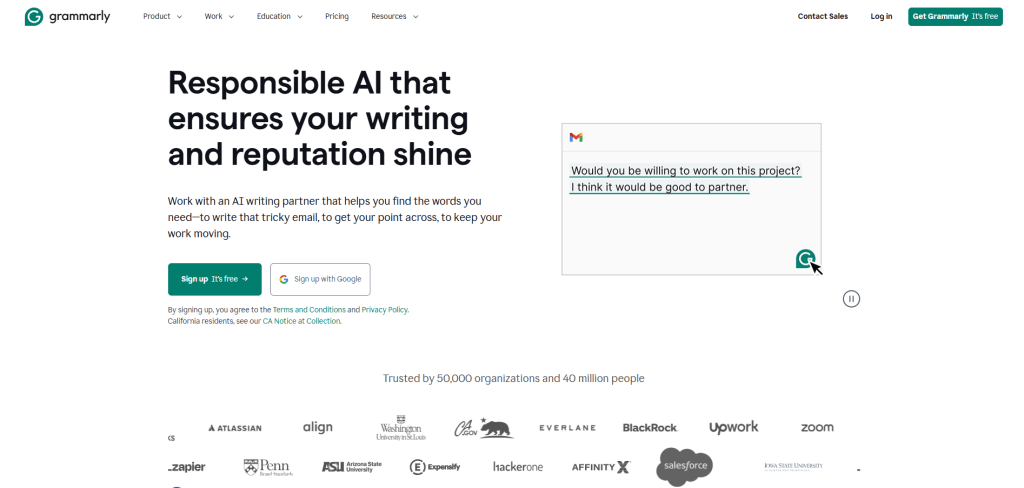
Let’s get one thing straight: communication is currency in our world. That’s why Grammarly isn’t just a “nice to have”—it’s a daily essential. It goes beyond basic spell-check, acting as a sophisticated AI proofreading tool to ensure everything you write is polished, clear, and professional, even when you’re under pressure.
The Pro and Business tiers offer advanced tone detection, sentence rewrites, and brand guidance.
Key Features:
- Tone and Clarity Suggestions: One of its best features. It tells you if your message sounds confident, overly formal, or accidentally harsh—which is incredibly helpful when you’re drafting emails on behalf of your executive.
- Real-Time Error Detection: Acts like a second set of eyes, catching typos, tense shifts, and clunky sentences—instantly. It’s especially helpful when you’re moving fast or toggling between writing styles for different stakeholders.
- Professional Polish: Gives you that backup when you don’t have time for a human proofreader.
While fantastic at grammar, Grammarly doesn’t understand complex business context. It might suggest changing industry-specific language or altering the tone in a way that doesn’t suit your executive. Always review suggestions critically—you know the audience better than the AI does.
4. Claude AI
If ChatGPT is the flashy sidekick, Claude AI is your quiet genius—calm, clear, and incredibly thoughtful. Created by Anthropic with a focus on safe and reliable systems, this tool is ideal for EAs doing deep, strategic work.
Claude is built on a framework that emphasizes being helpful, harmless, and honest. Where it really shines is in reasoning, long-form writing, and summarizing complex documents without going off the rails.
Key Advantages of Claude AI:
- Exceptional Context Window: Can read extremely long texts (hundreds of pages), making it fantastic for reviewing legal contracts, RFPs, or entire board packets. You can upload the entire document and ask Claude to summarize or compare versions.
- Calm and Conversational Tone: Claude’s tone is more balanced and less assertive. That matters when you’re drafting sensitive communication or working through something nuanced—it won’t jump to conclusions.
- Context and Follow-Through: It’s strong at maintaining context over longer conversations. If you’re building a project plan or drafting a recurring newsletter, Claude will remember where you left off and help build momentum.
Claude may feel slightly slower or more careful than you want for quick, snappy tasks. Also, unlike ChatGPT or Grammarly, Claude isn’t natively embedded into tools like Google Docs or Slack (yet), which isn’t ideal for speed.
5. Calendly
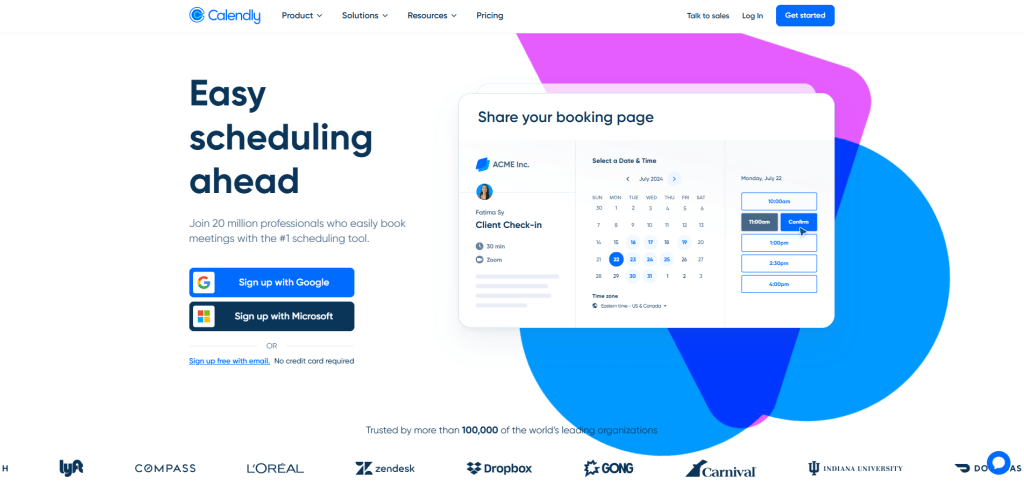
Calendar management is a high art, and I know the pain of spending an hour trying to pin down one 30-minute meeting between five busy people in three time zones. Automated scheduling tools like Calendly save hours every week.
Calendly lets you predefine meeting formats, custom availability, and preferences. You just share a link, and the platform handles the rest—syncing calendars, adding video links, and sending reminders.
Impact on Executive Assistant Productivity:
- Eliminates Back-and-Forth: You know the pain of emailing someone four time slots, only to have them respond, “None of those work—how about next Thursday?” With Calendly, you send the link, and they pick what works. Done.
- Protects Executive Time: You can set smart boundaries: 15-minute buffers between calls, a max of four meetings per day, and specific types of meetings on certain days.
- Team Scheduling Logic: Supports multiple meeting types, Round Robin for distributing calls among a team, and Collective Scheduling for finding a time when all co-hosts are free.
Some execs worry sending a link feels dismissive. I’ve found that framing it as a convenience and a sign of respect for the recipient’s time makes all the difference. However, it’s not always ideal for highly complex scheduling; your human touch is still needed for those VIP meetings.
6. Tactiq
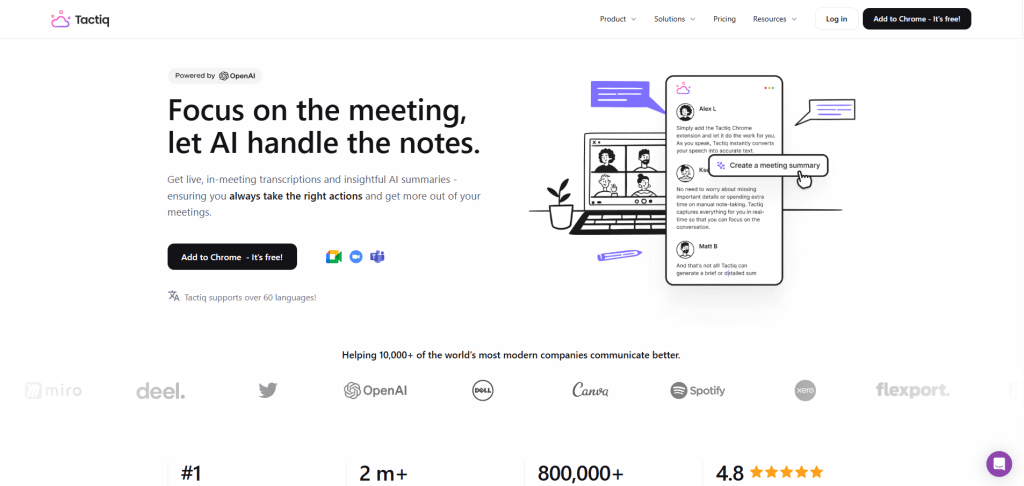
As EAs, we’re not just note-takers; we’re interpreters and follow-up machines. Tactiq is a real-time transcription tool that lives inside your video conferencing platform, helping us capture conversations accurately, instantly, and with context.
Tactiq works directly within Google Meet, Zoom, and Microsoft Teams. It captures live captions, logs them in a sidebar, and lets you highlight key moments, tag action items, and instantly generate summaries. It’s like having a digital sticky note system built right into your calls—but smarter.
Strategic Workflow Benefits:
- Live, In-Call Transcription: You don’t need to wait for the meeting to end to start capturing insights. I can highlight key sentences and mark action items as people speak, and it’s all saved in the summary.
- Privacy-Friendly: Unlike other tools, Tactiq works by reading and storing live captions, which can be huge for organizations with strict company policies against audio recording.
- Clean, Searchable Summaries: Automatically organizes your transcript, highlights, and action items, integrating with tools like Google Docs, Notion, and HubSpot for easy follow-up and reporting.
The only downside is I’ve noticed Tactiq is primarily built for Google Meet, where the experience is best. Also, remember that it relies on the video platform’s live captions—if captions aren’t enabled in the meeting, it won’t work.
7. Perplexity AI
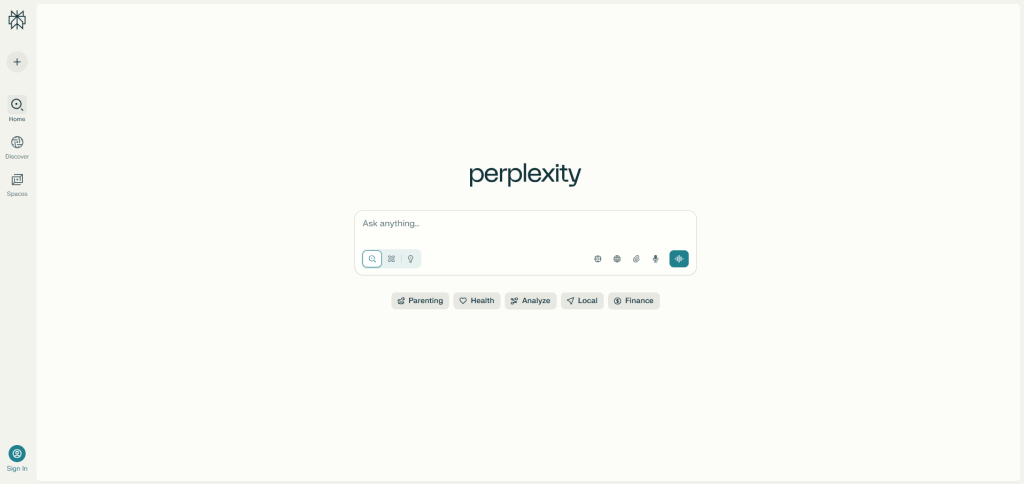
Executive Assistants are expected to know a little bit about everything. When your executive asks, “Can you tell me what’s going on with [topic] before my 3 PM call?”—Perplexity AI shines.
Perplexity AI is a conversational search engine—a citation-friendly cousin of Google and ChatGPT combined. When you ask it a question, it gives you a clear, concise answer along with verifiable sources.
Uses for Executive Assistants:
- Cited Sources for Every Answer: This is a game-changer. You can trace every response back to its source, making it ideal for professional use and instantly reducing the human fact-checking required.
- Rapid Briefings: Perplexity can give you a tight, sourced summary in seconds, eliminating the need to skim ten news articles or PDFs yourself.
- Follow-Up Suggestions: It often suggests related topics or next steps—helping you think broader, anticipate your exec’s needs, and dig deeper with minimal effort.
- Wide-Ranging Knowledge: I use it whether I’m decoding contract jargon, evaluating vendors, or trying to understand a new compliance policy—it adjusts to your needs.
While it cites sources, it’s still connected to the web. Avoid entering private company info or highly sensitive material. Stick to public, general, or strategic queries.
Adopting these AI tools for executive assistants isn’t about replacing the human element of administrative support—it’s about augmenting it. By offloading repetitive, time-consuming tasks like drafting, scheduling, and basic research, you are empowered to focus on the strategic, relationship-building, and organizational challenges that truly require human judgment.
Embrace these tools to redefine your role and become the most productive, indispensable partner your executive has ever had.
You Might Also Enjoy:




 EA and Beyond
Leave a comment