
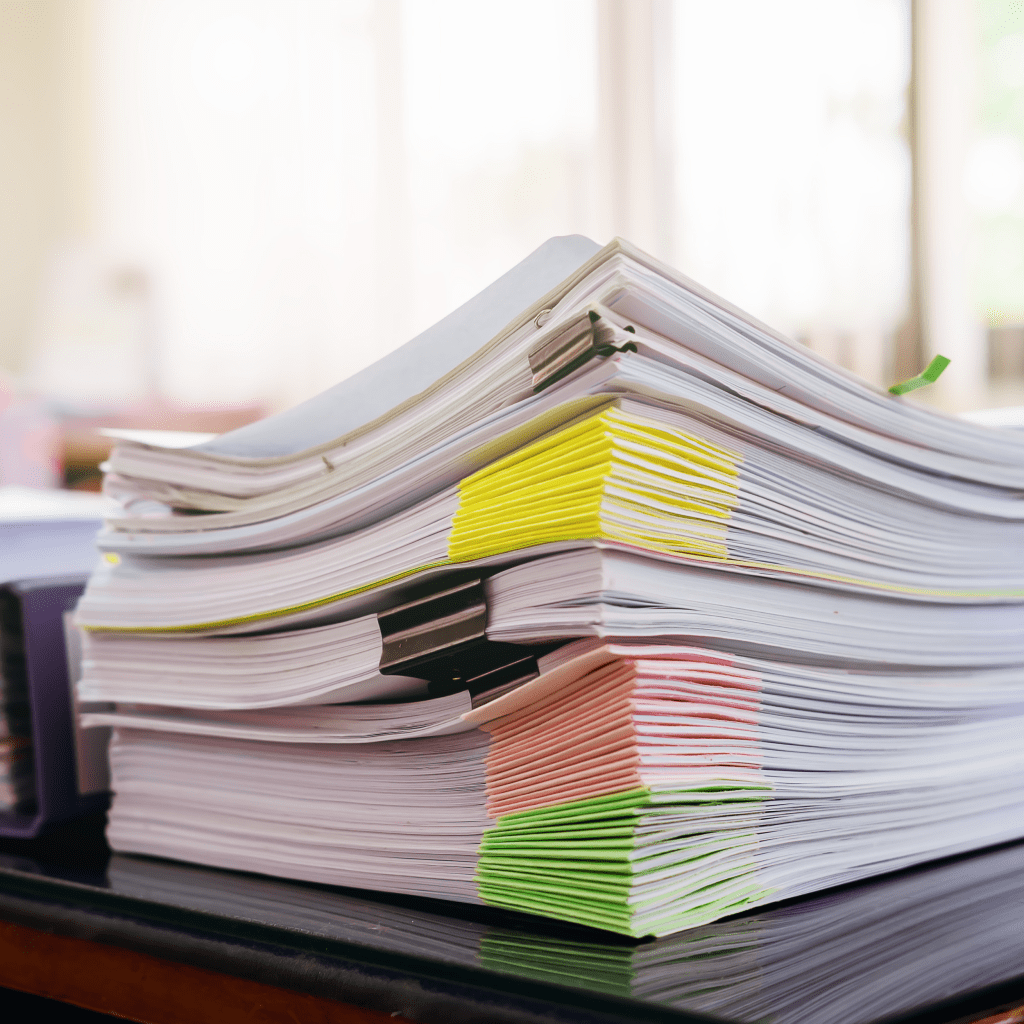
Are you tired of wasting time searching for important papers? Do you feel stressed when you can’t find a document you need right now? You’re not alone. Many people struggle with messy files, both paper and digital. The good news is that anyone can build a filing system that actually works.
This guide will show you exactly how to create a filing system that saves you time and reduces stress. Best of all, you don’t need fancy equipment or expensive software to get started
Why Your Filing System Matters More Than You Think
A good filing system does more than keep papers organized. It changes how you work and feel every day.
Save Time Every Single Day: When you need a document, you should find it in under a minute. No more digging through piles or clicking through dozens of folders. That saved time adds up to hours every month that you can spend on more important things.
Feel Less Overwhelmed: Messy files create mental stress, even when you’re not actively looking for something. When everything has a place, your mind feels clearer and you can focus better on your actual work.
Protect Your Important Documents: Tax records, medical bills, insurance papers, and legal contracts need to be easy to find. During emergencies or tax time, having organized records can save you from serious problems.
Work Better With Others: If you share files with family members, coworkers, or team members, everyone needs to understand where things go. A clear system means less confusion and better teamwork.
Plan Before You Organize
Don’t just start making folders randomly. Take time to think through these questions first.
What Kind of Files Do You Have?: Count how many paper documents versus digital files you need to organize. Do you get mostly emails, printed papers, or both? Your answer will determine what tools you need.
How Long Should You Keep Documents?: Different documents have different lifespans. Tax returns typically need to be kept for seven years. Old utility bills might only need to stay for one year. Insurance policies should be kept as long as they’re active, plus a few years after. Research the rules for your specific situation so you know what to keep and what to throw away.
Who Else Will Use This System?: If you’re organizing for yourself, you can design the system however you like. But if other people will need to find files, get their input. The system needs to make sense to everyone who uses it.
Building Your Filing System Step by Step
Step 1: Pick Your Organization Method
Choose the style that matches how your brain works. Here are the most common approaches:
Topic-Based Filing (Best for Most People): Group documents by subject areas. Examples include “House Documents,” “Car Records,” “Medical Files,” or “School Papers.” This method feels natural because it matches how we think about our lives.
Alphabetical Filing: Organize by names of people, companies, or document titles. This works well if you deal with lots of different contacts or clients.
Date-Based Filing: Arrange documents by year and month. This is perfect for things like bank statements, monthly reports, or bills that you review chronologically.
Number-Based Filing: Assign each file a unique number. This is usually only needed for businesses with thousands of documents that need tracking.
Most people find topic-based filing easiest to use and maintain.
Step 2: Gather Everything in One Place
Before you can organize, you need to see what you have. Collect all your loose papers, unfiled documents, emails sitting in your inbox, and files scattered across your computer desktop. Put everything physical in one pile. Create a temporary “To File” folder on your computer for digital items. This might look overwhelming at first, but it’s necessary to understand the full scope of what you’re organizing.
Step 3: Create Your Main Categories
Start with three to eight big categories. These are your top-level folders. Don’t make too many or your system becomes confusing. Think about the major areas of your life or work.
For a personal filing system, you might use:
- Financial and Taxes
- Home and Property
- Medical and Health
- Personal Documents
- Hobbies and Interests
For a small business, you might use:
- Client Files
- Financial Records
- Employee Information
- Vendor and Supplier Documents
- Marketing Materials
Step 4: Build Subcategories Inside Each Main Category
Now break down each big category into smaller, specific folders. For example, under “Financial and Taxes” you might have:
- Bank Statements
- Credit Card Records
- Tax Returns
- Investment Accounts
- Receipts
The goal is to make it crystal clear where each document belongs. Someone should be able to look at a paper and immediately know which folder it goes in.
Step 5: Label Everything Clearly
For physical files, use a label maker or write clearly on folder tabs. Make labels specific enough to be helpful but not so detailed that you have hundreds of folders.
For digital files, create a naming system and stick to it every single time. A good format is:
YYYY-MM-DD_DocumentType_SpecificDetails
For example: 2025-11-01_Invoice_SmithCompany or 2025-10-15_Contract_Office-Lease
This format makes your files automatically sort by date, which is incredibly useful when you’re looking for something from a specific time period.
Step 6: Add Color Coding for Faster Finding
Colors help your brain find things faster. Assign one color to each main category. You can use colored folders, colored labels, or colored dots on regular folders.
Example color system:
- Red = Financial documents
- Blue = Personal and family papers
- Green = Work or business files
- Yellow = Reference materials you rarely need
When you need a financial document, your eyes immediately look for red folders instead of reading every label.
Step 7: Choose the Right Storage
For paper documents, use a filing cabinet, file boxes, or a desk drawer system. Make sure it’s sturdy enough to hold all your papers and easy to access.
For digital files, use a cloud storage service like Google Drive, Dropbox, or OneDrive. Cloud storage means your files are backed up automatically and you can access them from any device. This protects you if your computer crashes.
Step 8: Keep Filing Supplies Ready
Here’s a secret that keeps systems working: make filing easy. Keep extra folders, labels, and a pen right next to where you work. When a new document arrives, you can file it immediately instead of adding it to a pile “for later.” Those piles are where filing systems go to die.
Maintaining Your System Over Time
Move Old Files to Archives
Every year, some documents become less important but you still need to keep them. Set a schedule (like every January) to move older files out of your active system.
For paper, use archive boxes with clear labels showing what year and category they contain. Store these boxes somewhere secure but out of your daily work area, like a closet, basement, or storage unit.
For digital files, create an “Archive” folder and move old files there. You could even move very old archives to an external hard drive to free up space.
Delete and Shred What You Don’t Need
Once documents pass their required keeping time, get rid of them. For sensitive paper documents with personal information, financial details, or private data, use a shredder. For regular papers, recycle them.
For digital files, permanently delete documents you don’t need anymore. Don’t forget to empty your computer’s trash or recycle bin, or those files still take up space.
Review Your System Once a Year
Set a calendar reminder to review your filing system annually. During this review:
- Check if your categories still make sense
- Make sure everyone is following the labeling rules
- Move files to archives
- Delete or shred old documents
- Adjust the system if your needs have changed
Your life changes, so your filing system should change with it. Don’t be afraid to reorganize if something isn’t working anymore.
Start Small and Build Success
You don’t have to organize everything in one day. Start with the category that causes you the most stress or that you use most often. Maybe that’s your financial documents or your work files. Get that section working perfectly, then move to the next area.
The key to a filing system that works is consistency. File new documents right away. Put things back where they belong. Follow your labeling rules. These small habits turn your new system into a lasting solution.
When you can find any document in under a minute, when your workspace feels calm and organized, and when you never miss an important deadline because papers got lost, you’ll know your filing system is truly working. That feeling of control and efficiency is worth every minute you invest in setting up your system the right way.
You Might Also Enjoy:




 EA and Beyond