
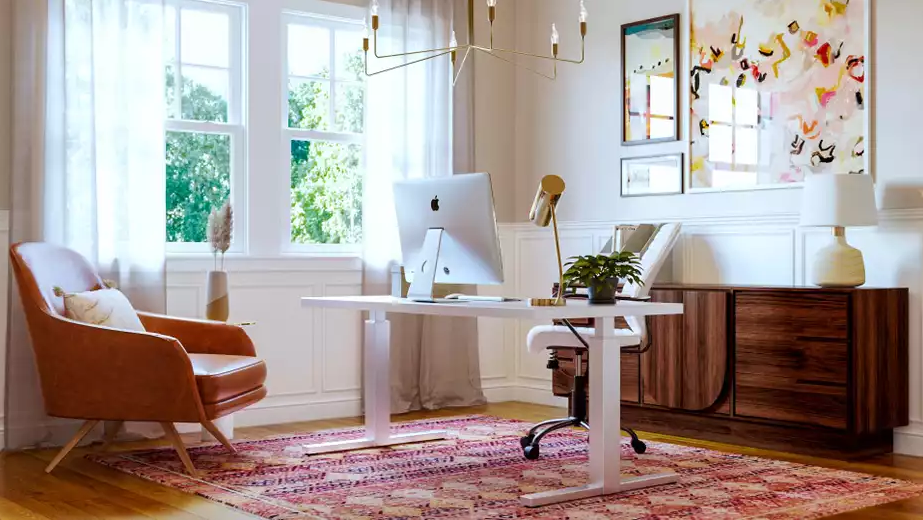
You’re two minutes into a client call when you notice it: they’re not looking at you. They’re looking at the pile of laundry on your chair, the unmade bed in the corner, or that weird stain on the wall you keep meaning to paint over.
Your Zoom background is telling a story about you, whether you want it to or not. The good news? Learning how to professionally style a Zoom background isn’t about having a perfect home or spending a fortune. It’s about being strategic with what your camera actually sees.
Why Your Zoom Background Matters More Than You Think
Here’s the reality: people judge you based on your video background. Fair or not, that’s how it works.
A messy background signals disorganization. An overly styled, Instagram-perfect background can feel fake. A blank wall looks like you’re in a witness protection program. You need something in the middle—professional but real, styled but not staged.
The goal when you professionally style a Zoom background is simple: make people focus on what you’re saying, not what’s behind you.
Step 1: Figure Out What Your Camera Actually Sees
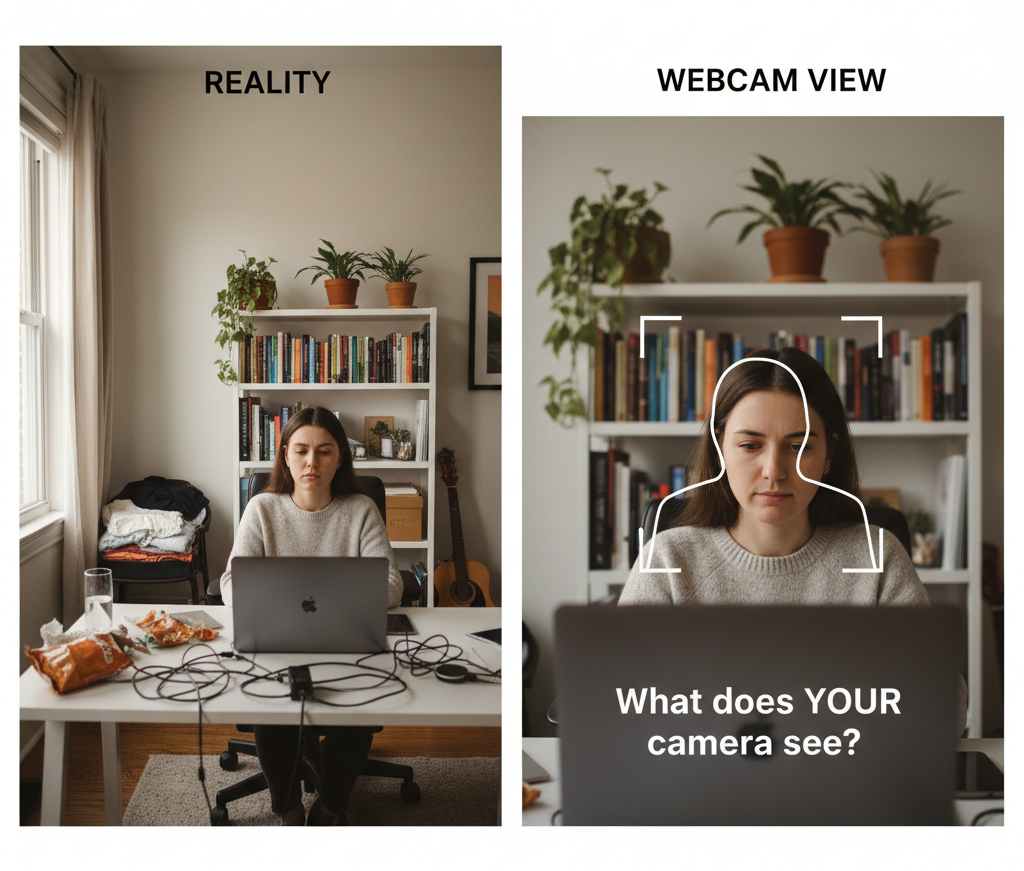
Before you buy anything or move furniture, turn on your webcam and look at what’s actually in frame. Most people skip this step and style an entire wall that the camera never captures.
Do this right now:
Open Zoom (or whatever platform you use most), start a meeting, and really look at your background. What’s visible? What’s distracting? Where does your head sit in the frame?
The harsh truths you’ll discover:
- That cute shelf you styled is completely out of frame
- Your camera sees way more of that cluttered corner than you realized
- The lighting makes everything look yellow or shadowy
- You’re sitting too close or too far from the wall
Pro move: Take a screenshot of your current setup. This becomes your “before” reference as you make changes.
Step 2: Choose Your Background Location Strategically
The best professionally styled Zoom background works with your space, not against it. You have three main options:
Option A: The Wall Strategy
Find a wall that’s 6-10 feet behind your desk. This gives you enough depth to avoid looking flat against the backdrop while keeping the frame focused on a manageable area.
What makes a good background wall:
- Relatively clear of clutter
- No windows directly behind you (unless you love the silhouette look, which you don’t)
- Enough space to add a few intentional elements
- Preferably not the wall where everyone dumps their stuff
Option B: The Corner Setup
Corners are secretly great for Zoom backgrounds because they add dimension and give you two surfaces to work with. You can put a bookshelf on one side and art on the other, creating depth without much effort.
Corner advantages:
- Natural depth and visual interest
- More styling flexibility
- Often has better lighting from windows on perpendicular walls
Option C: The Bookshelf Backdrop
If you have a bookshelf, congratulations—half your work is done. Bookshelves photograph well, add texture, and signal “professional person who reads” without trying too hard.
The catch: It needs to be styled intentionally, not just crammed with books and random junk.
Step 3: Get the Lighting Right (This is 80% of Looking Professional)
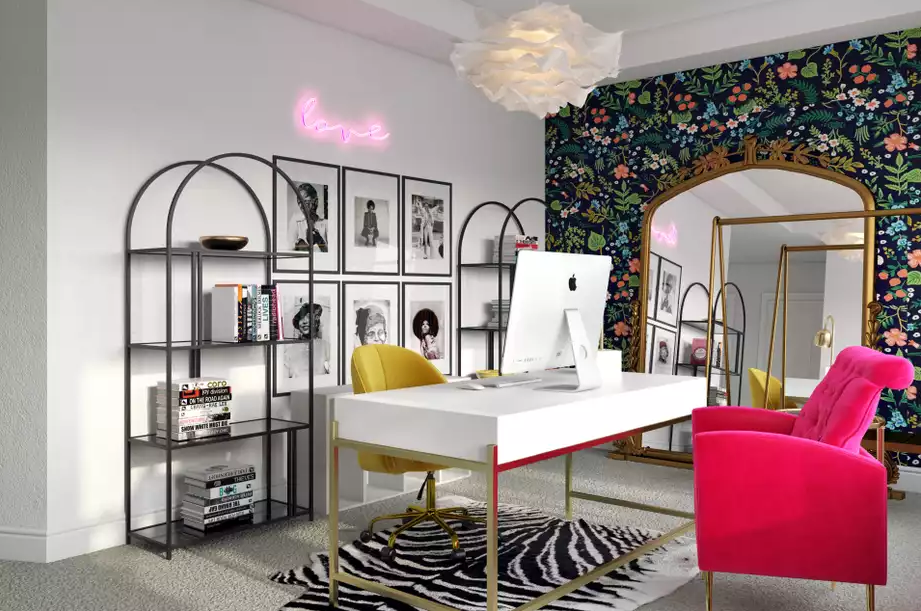
You could have the most beautifully styled background in the world, but bad lighting will make you look like a suspect in a true crime documentary.
The golden rule of Zoom lighting: Your face should be the brightest thing in the frame.
How to achieve this:
Natural light is your friend (positioned correctly): Face a window, don’t sit in front of one. Light from behind you creates a silhouette. Light from in front of you makes you look awake and professional.
Ring lights aren’t just for influencers: A basic ring light ($25-50) eliminates shadows, makes your eyes bright, and adds a subtle glow. Position it directly behind your camera at eye level.
Test different times of day: Your perfect 10am lighting might be terrible at 4pm when the sun shifts. Know what your space looks like during your typical meeting hours.
Avoid overhead lighting only: Ceiling lights create shadows under your eyes and nose. You need front-facing light to balance them out.
Step 4: Create Your Focal Point (The Thing People Actually Look At)
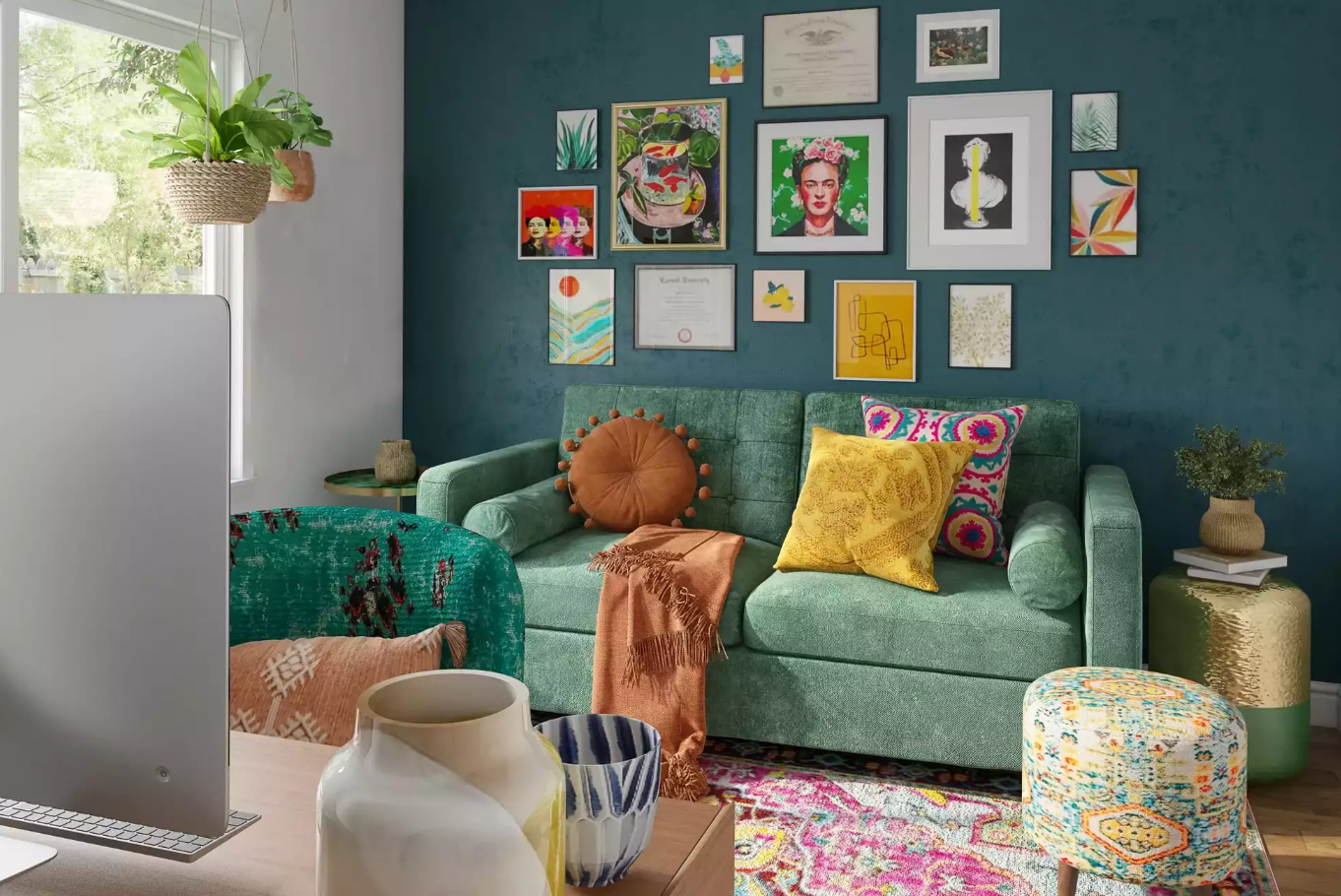
When learning how to professionally style a Zoom background, understand this: people’s eyes need somewhere to land. Give them one intentional focal point so they’re not scanning around looking for something interesting.
Your focal point options:
The Styled Bookshelf
Don’t just shove books in randomly. Use the “thirds rule”: 1/3 books, 1/3 decorative objects, 1/3 breathing room.
How to style it:
- Mix vertical and horizontal book stacks
- Add small objects: a plant, a candle, a small sculpture
- Leave some shelves emptier than others
- Group items in odd numbers (3 or 5 items together looks better than 2 or 4)
Avoid: Every shelf filled to the brim, matching book spines that look too staged, personal photos that are distracting
The Gallery Wall
3-5 framed pieces arranged on the wall behind you adds sophistication without clutter.
What works:
- Mix frame sizes but keep similar colors (all black, all wood, all gold)
- Hang art at eye level when you’re seated—not standing height
- Choose simple art that’s not too busy or distracting
- Leave space between frames (they shouldn’t touch)
Avoid: Too many small pieces, mismatched frames, anything controversial or too personal
The Simple Accent Wall
Sometimes less is more. A painted accent wall or peel-and-stick wallpaper can create texture without adding physical objects.
Best colors for video:
- Soft blues and greens (calming, professional)
- Warm grays and taupes (neutral, sophisticated)
- Muted navy or forest green (bold but not overwhelming)
Avoid: Bright white (causes glare), black (too dramatic), busy patterns, anything neon
Step 5: Add Depth with Strategic Accessories
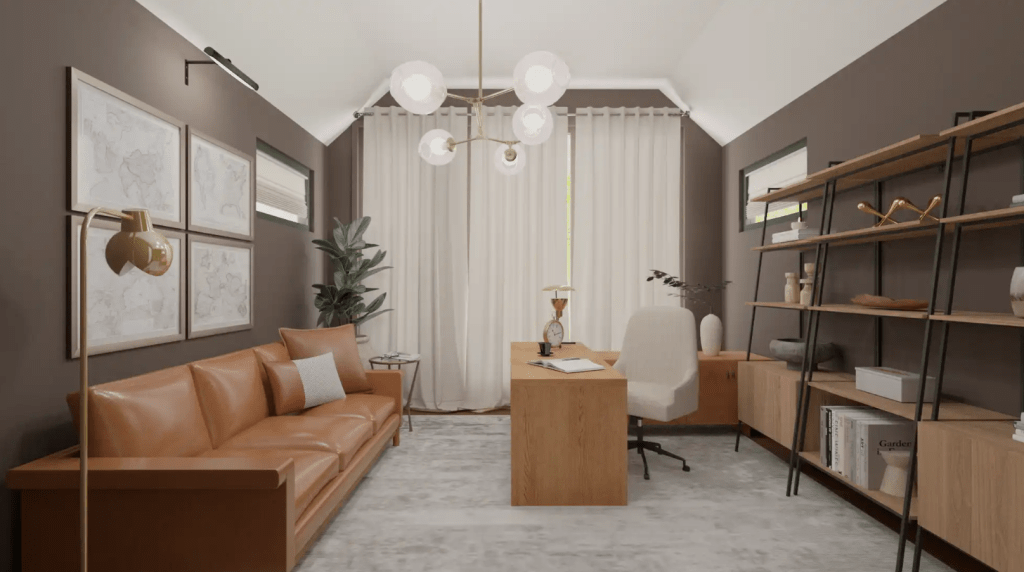
Once you have your focal point, add 2-4 smaller elements to create dimension. This is where you professionally style a Zoom background beyond just “not messy.”
Layer in these elements:
Plants (The Universal Professional Signal)
A plant immediately makes your space look alive and cared for. It doesn’t have to be real (though real is better if you won’t kill it).
Best plants for Zoom backgrounds:
- Fiddle leaf fig or monstera (large, dramatic leaves)
- Pothos or trailing plants (on a shelf, adds movement)
- Snake plant or ZZ plant (hard to kill, looks structural)
Placement: To the side of your frame, not directly behind your head. You want depth, not “plant growing out of your skull.”
Furniture Pieces (Creating Layers)
A console table, small shelf, or credenza behind you adds a surface to style without cluttering your desk.
What to put on it:
- A table lamp (bonus: extra lighting)
- 2-3 coffee table books stacked
- A small decorative object (vase, sculpture, bowl)
- Maybe a small framed photo (but not ten of them)
The rule: If you can’t style it with 3-5 items, it’s too small to be useful in frame.
Texture Elements
Video flattens everything, so you need texture to add visual interest:
- A woven basket
- A knit throw blanket draped over a chair (just the corner visible)
- Wood elements (cutting board, frame, furniture)
- Metal accents (lamp, frame, decorative object)
What you’re avoiding: Everything being the same material and finish. Mix it up.
Step 6: Choose a Color Palette (And Stick to It)
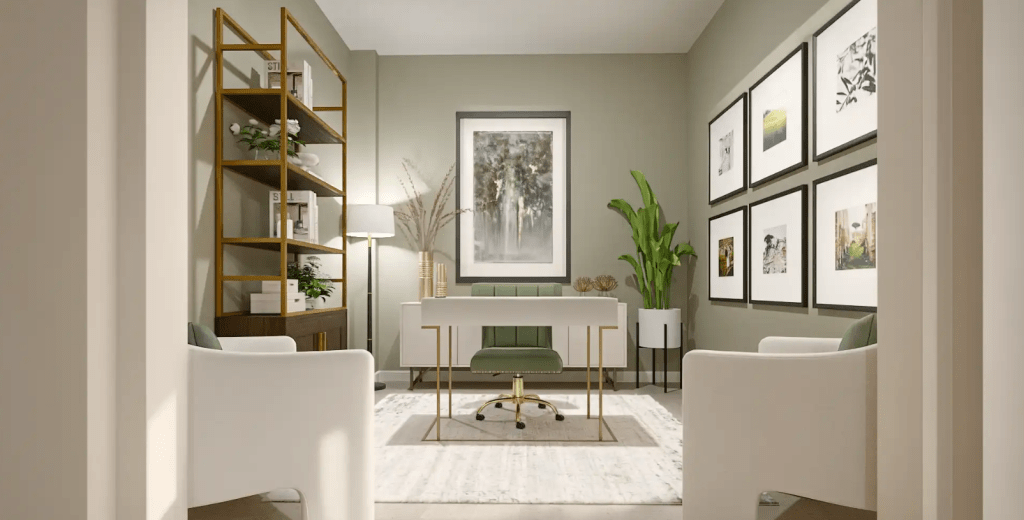
The fastest way to make your Zoom background look professionally styled is to limit your color palette to 2-3 colors plus neutrals.
Foolproof color combinations:
The Classic: White/cream + black + one wood tone
The Sophisticated: Gray + navy + brass/gold accents
The Warm: Cream + terracotta + natural wood
The Modern: White + black + one bold color (emerald, mustard, rust)
Critical tip: Consider what you typically wear on calls. If you wear a lot of black, don’t have a black chair—you’ll look like a floating head. If you wear neutrals, you can have more color in your background.
Step 7: Handle the Common Problem Areas
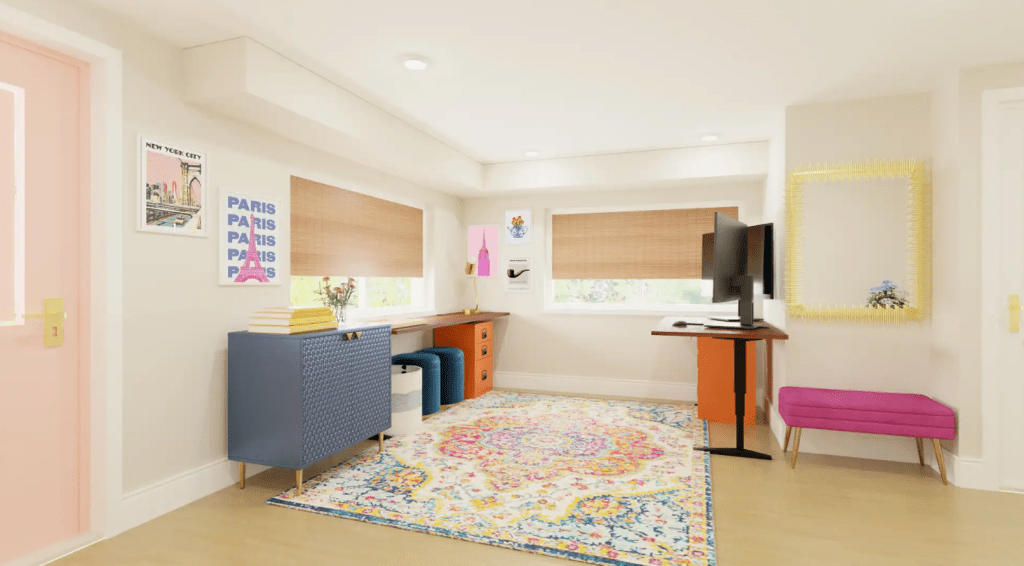
When Your Background is Too Cluttered
The fix: Remove 50% of what’s visible. Then remove 25% more. You think your styled bookshelf looks good. It probably has too much stuff. Less is always more on camera.
When You Look Washed Out or Dark
The fix: It’s almost always a lighting problem, not a background problem. Add a light source in front of you and slightly above eye level.
When Everything Looks Flat
The fix: You need depth. Move your desk further from the wall (8-10 feet is ideal). Add layered elements at different distances from the camera.
When It Looks Too Staged
The fix: Add one “lived-in” element—a coffee mug on your desk, a sweater on a chair (positioned tastefully), a book that’s actually open. Perfect is suspicious.
The “Always Zoom Ready” System
Here’s how to professionally style a Zoom background so it stays that way:
Create a 5-minute reset routine:
- Quickly scan what’s in frame
- Remove any clutter that accumulated
- Adjust your focal point if something got moved
- Check your lighting (especially if time of day changed)
- Do a 10-second camera check before your call
Keep a “Zoom emergency kit” nearby:
- Lint roller (for your clothes and that chair that’s always in frame)
- Small spray bottle (to refresh that plant that’s looking sad)
- Charging cable for your ring light
- Backup decorative objects to swap in if you’re bored of your setup
What Not to Do (Learn from Everyone Else’s Mistakes)
Don’t use virtual backgrounds unless you have perfect lighting and zero movement. They glitch, they’re obvious, and they make you look less professional than a real, styled space.
Don’t have anything in frame that you wouldn’t want a client to comment on. That includes political posters, controversial books, messy corners you hope they won’t notice (they will).
Don’t position yourself directly in front of a window. You’ll be a dark silhouette and nothing you style will matter.
Don’t forget to test at different times of day. Your perfect morning lighting might be terrible afternoon glare.
Don’t style at standing height. Everything should be arranged for how it looks when you’re sitting at your desk, not when you’re standing up decorating.
The Final Test: Does Your Background Pass?
Before you call it done, ask yourself:
- Can you identify what the focal point is in 2 seconds?
- Is your face the brightest thing in frame?
- Would you feel confident on a call with your CEO or biggest client?
- If someone took a screenshot, would you be okay with it being shared?
- Does it look intentional but not overly staged?
If you answered yes to all of those, you’ve successfully figured out how to professionally style a Zoom background.
Quick Styling Fixes Under $50
If you’re starting from scratch or need to improve what you have:
Priority 1: Lighting ($25-40) – A basic ring light or clip-on desk light will improve your appearance more than any decorative element.
Priority 2: One good plant ($15-30) – Real or quality fake, adds life instantly.
Priority 3: Three matching frames ($20-30) – Thrifted art, printed downloads, or even nice paper—just frame it consistently.
Priority 4: Organizational basket or box ($10-20) – To keep visible surfaces clear.
That’s it. You don’t need to redecorate your entire home office.
The Real Secret to Professional Zoom Backgrounds
Here’s what most guides won’t tell you: the best professionally styled Zoom background is the one you’ll actually maintain.
You can create something Pinterest-perfect that requires 20 minutes of daily upkeep, or you can create something good enough that stays that way with minimal effort. Choose the second option.
Style it once, make it simple to maintain, and spend your mental energy on the actual meeting instead of worrying about what’s behind you.
That’s how you professionally style a Zoom background that works for real life, not just for the “after” photo.
You Might Also Enjoy:




 EA and Beyond
Leave a comment